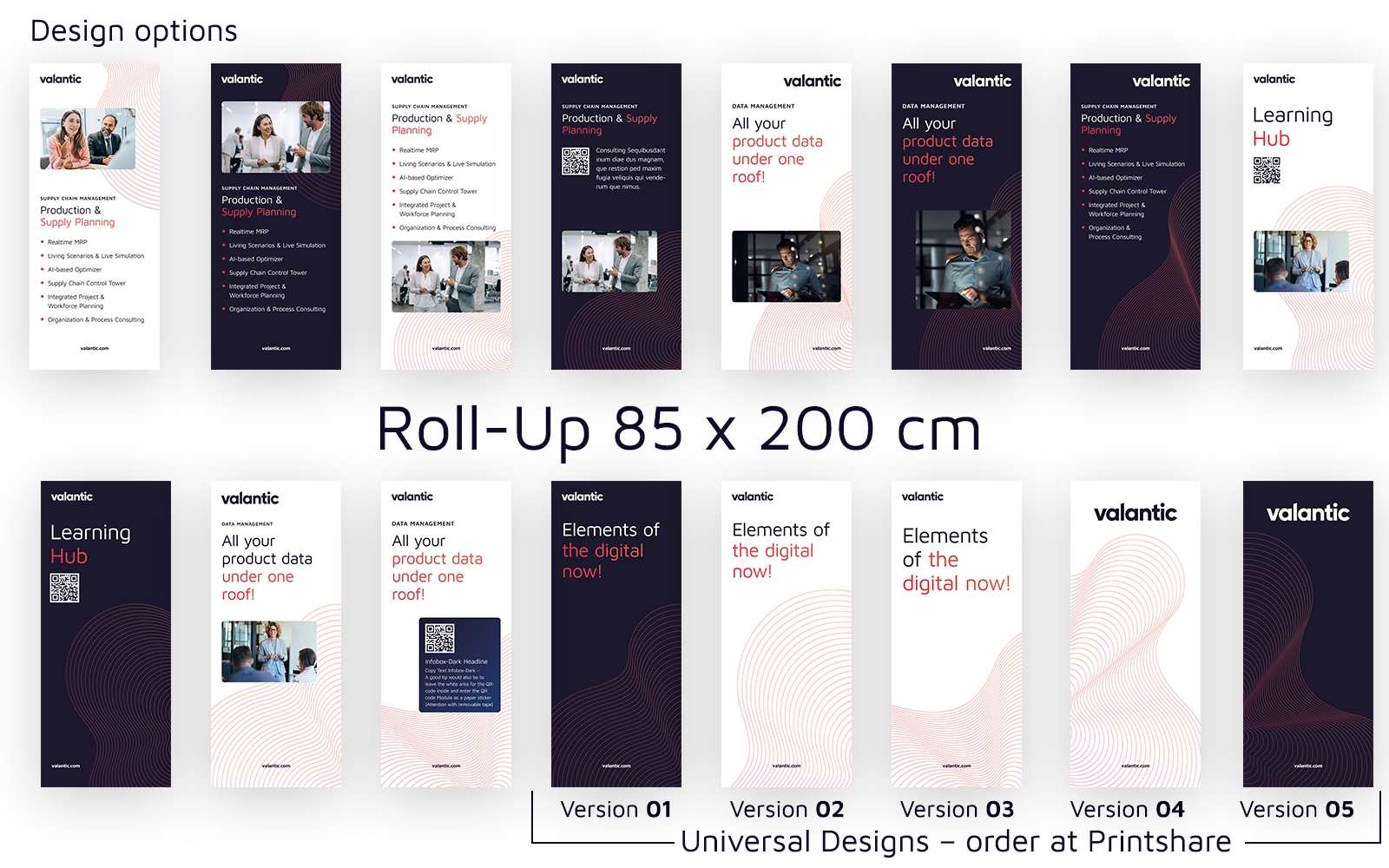
Touchpoint
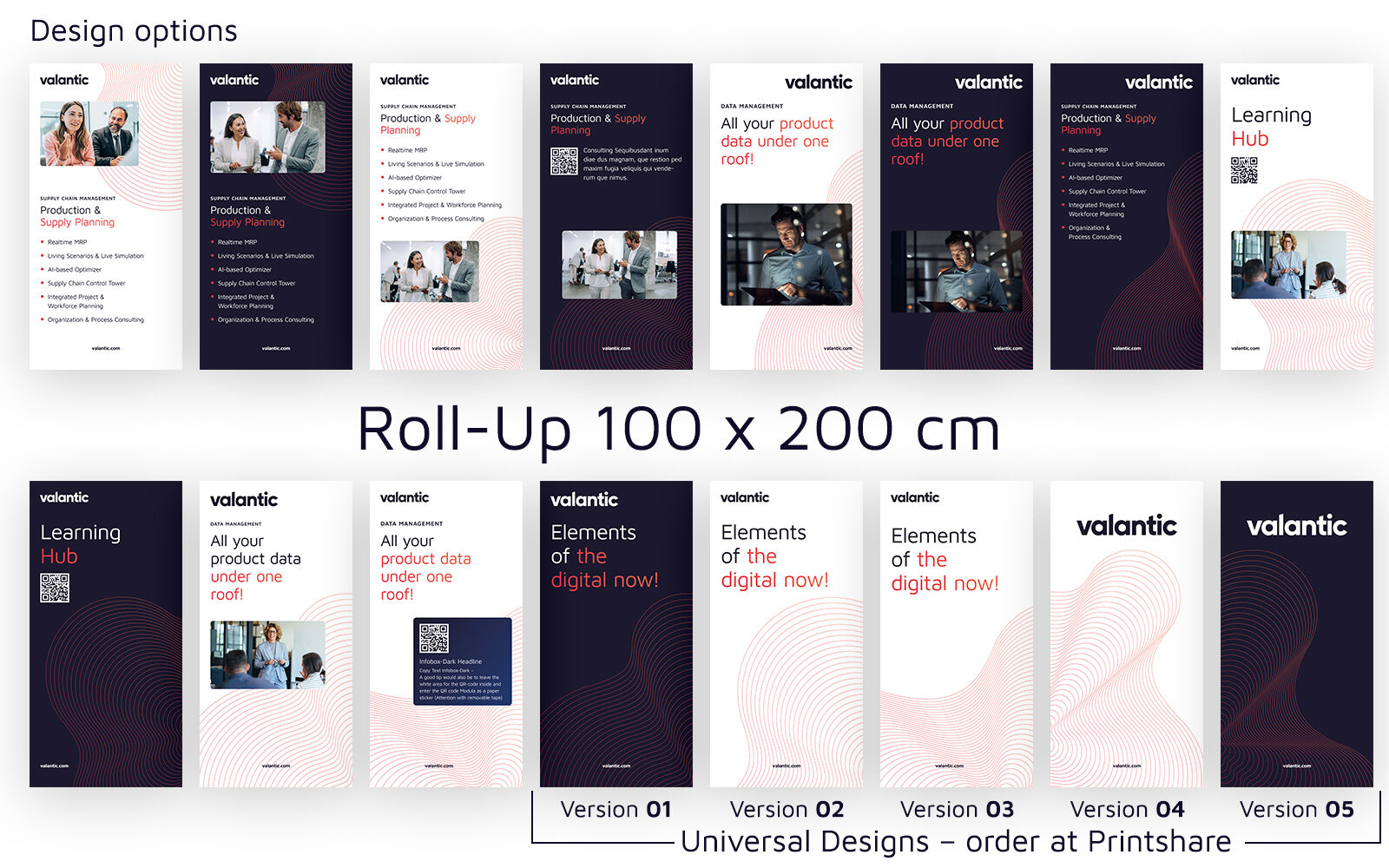
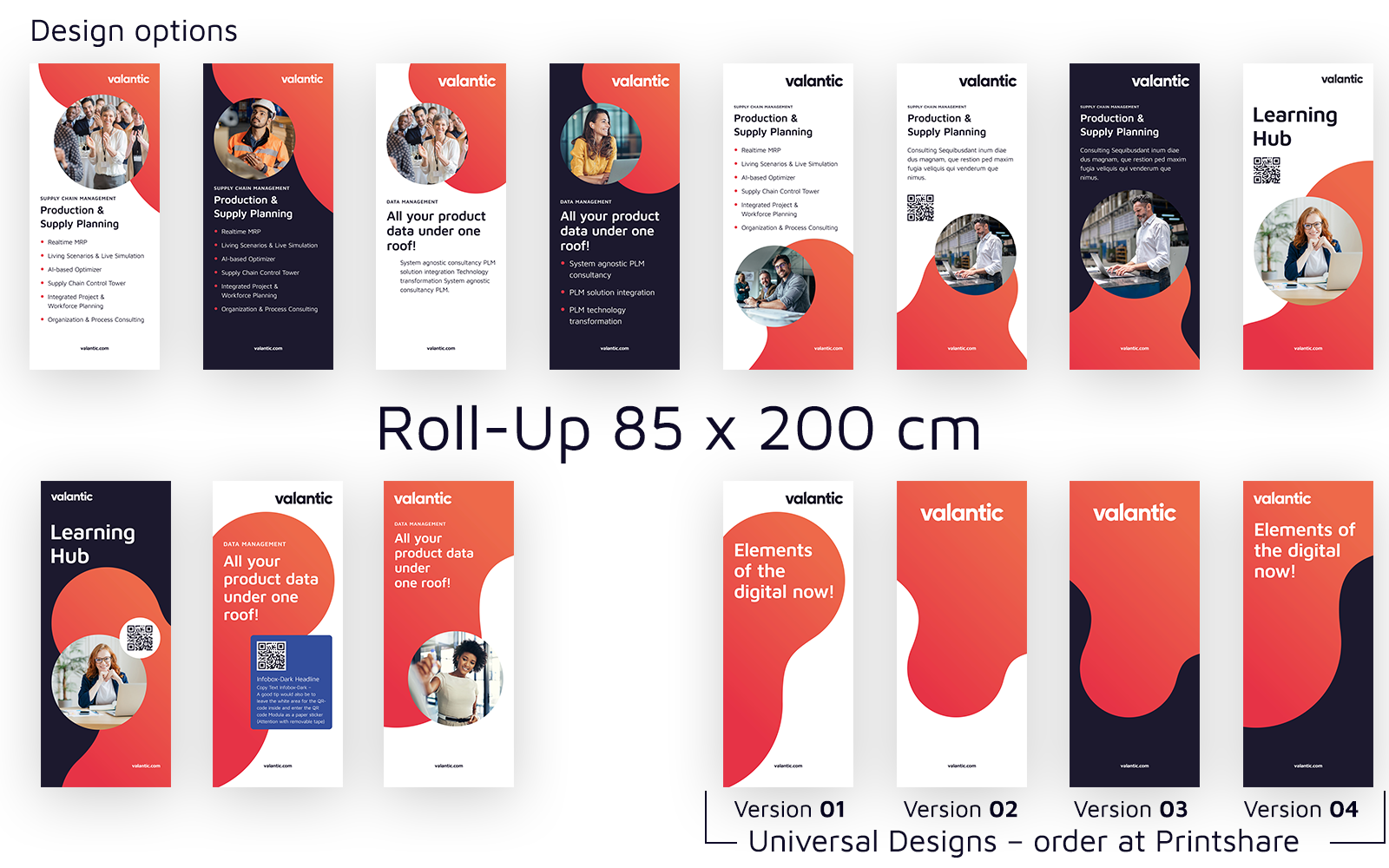
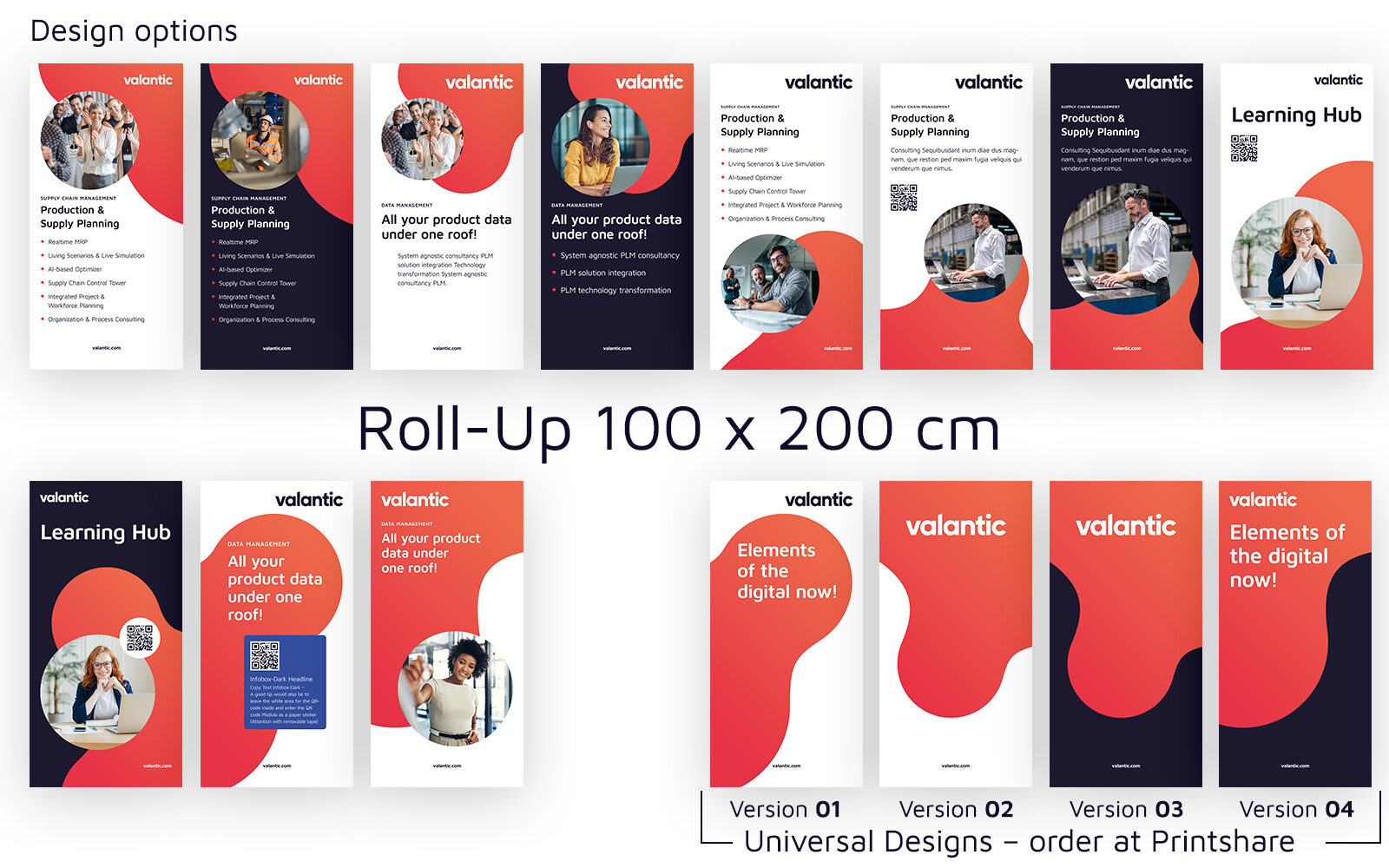
Roll-ups are a key element in our brand's visual communication, offering a portable yet impactful way to convey our identity at events, trade shows, and internal spaces. Consistent design and messaging across all roll-ups ensure a cohesive and professional presence that reinforces our core values and brand image. This guide provides essential guidelines on how to create and implement roll-ups that align with our corporate identity, maintaining the balance between creativity and brand consistency.
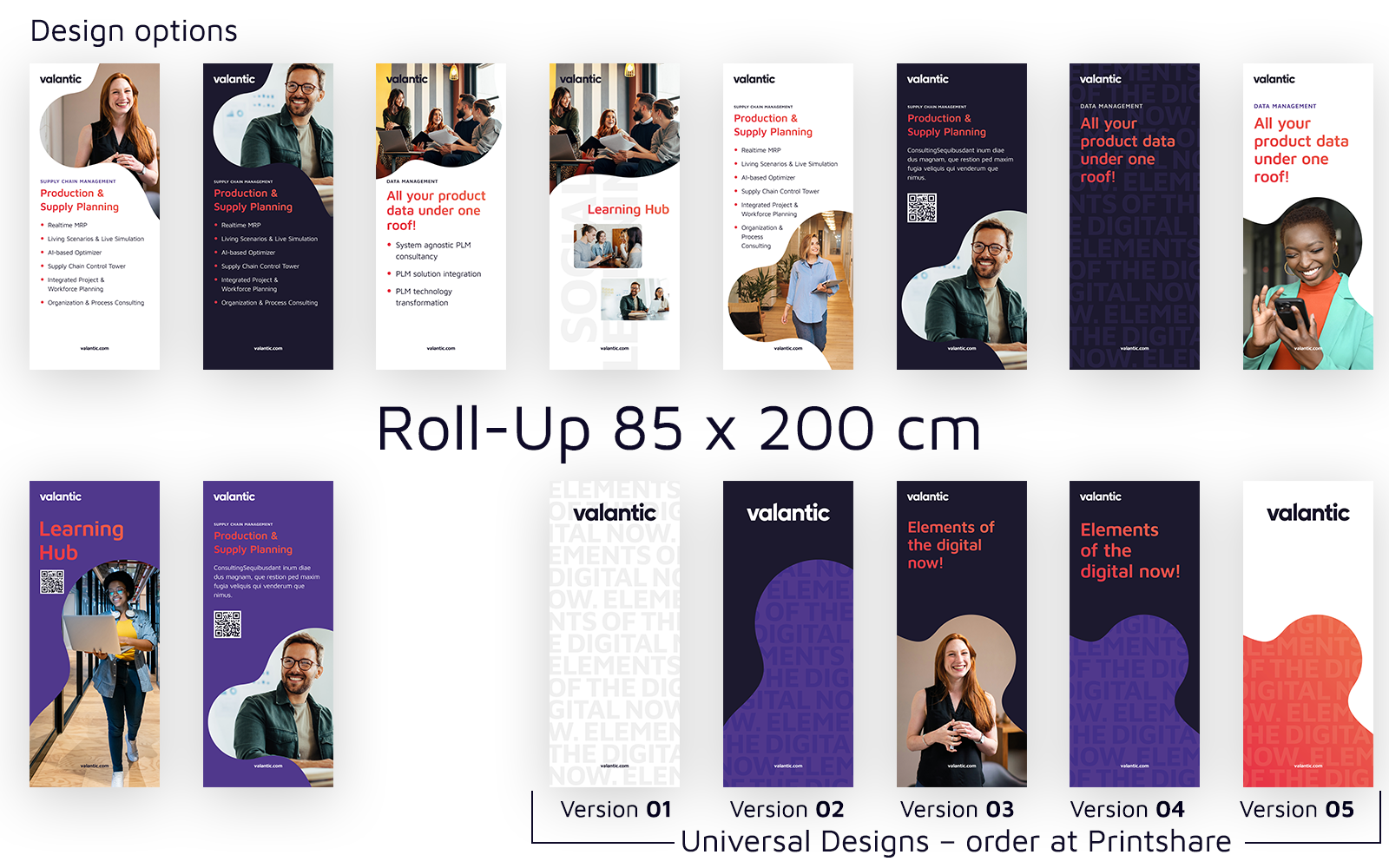
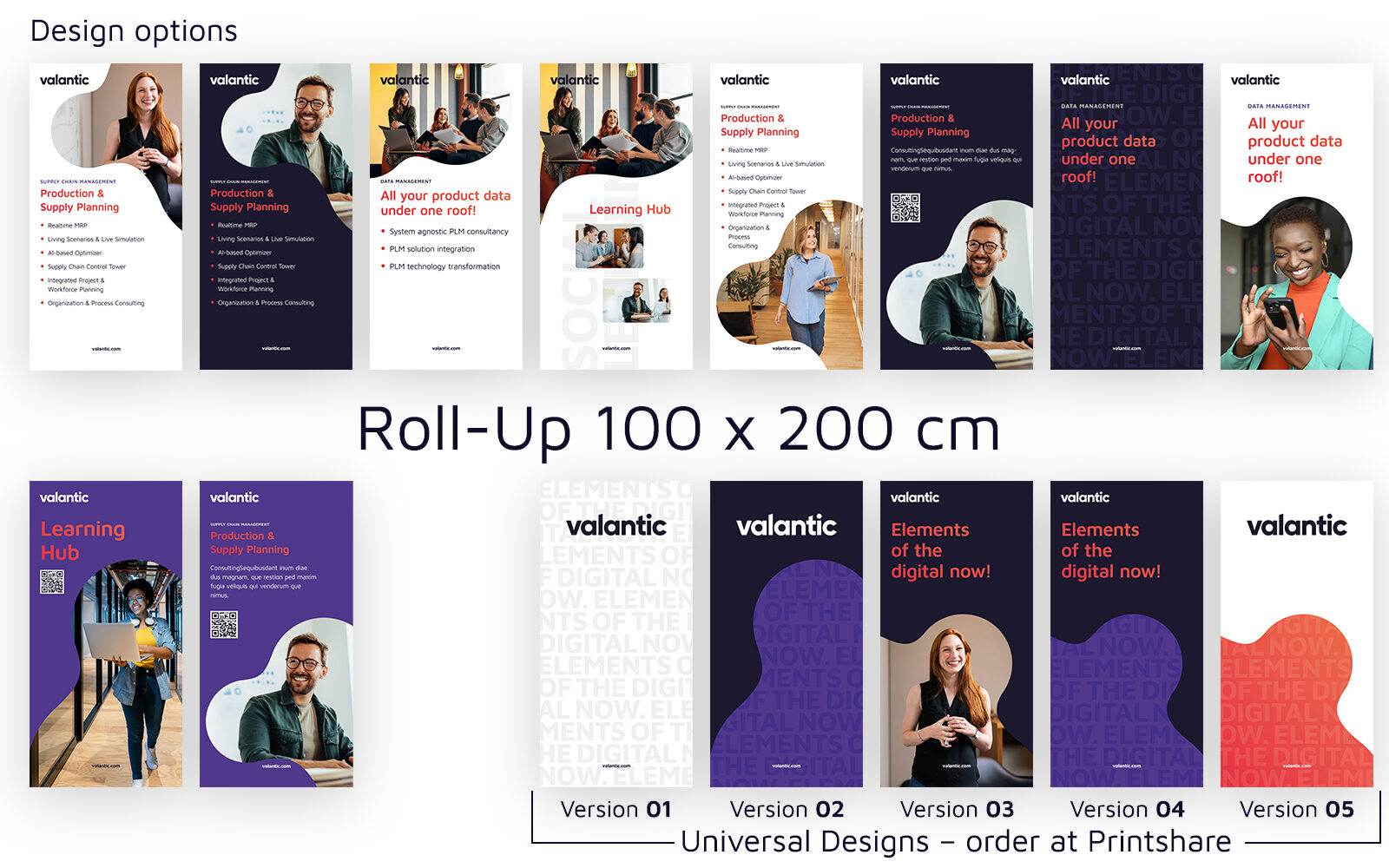
Nylon transport bag is included in the price. It protects the product from scratches and knocks.
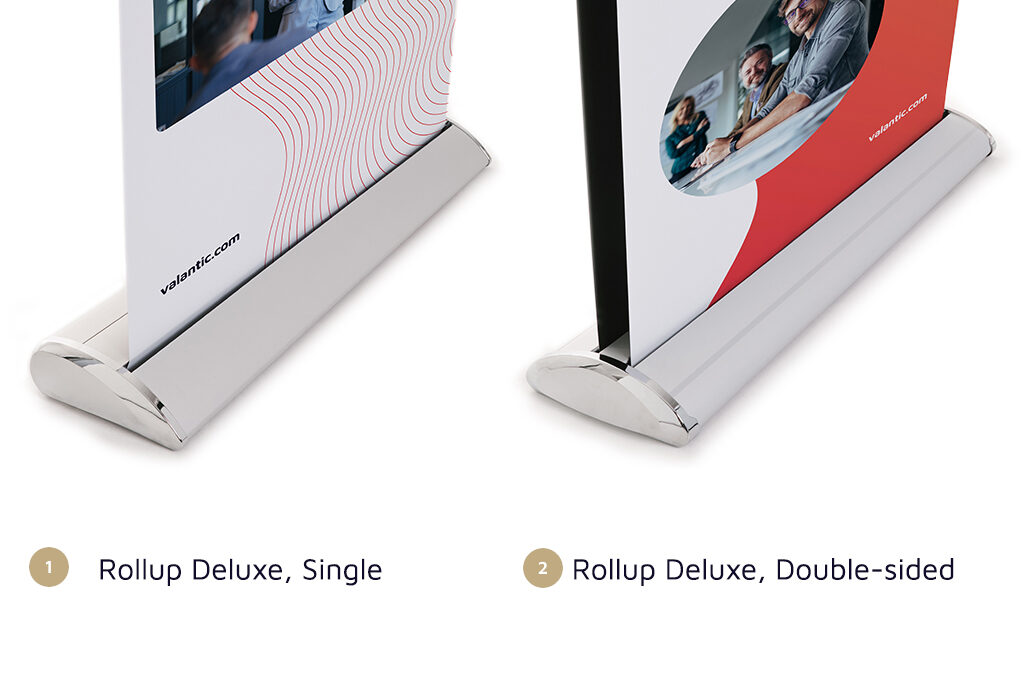
Rollup Deluxe Single
Rollup Deluxe, Double-sided
All rules and specifications regarding the design area, grid system, and other key components are outlined in this document. It serves as a complete reference for ensuring consistent implementation across all materials.
Here, you’ll find detailed instructions and predefined settings within master pages, paragraph and character styles, as well as object styles. These resources ensure that every element aligns with our corporate identity, streamlining the design process while maintaining brand consistency.
Additionally, all components are included in the CC Library for easy access and use. To get started, please register via the link below to gain access to the CC Library and streamline your workflow. Send us the e-mail address you used to register with the Adobe Cloud.
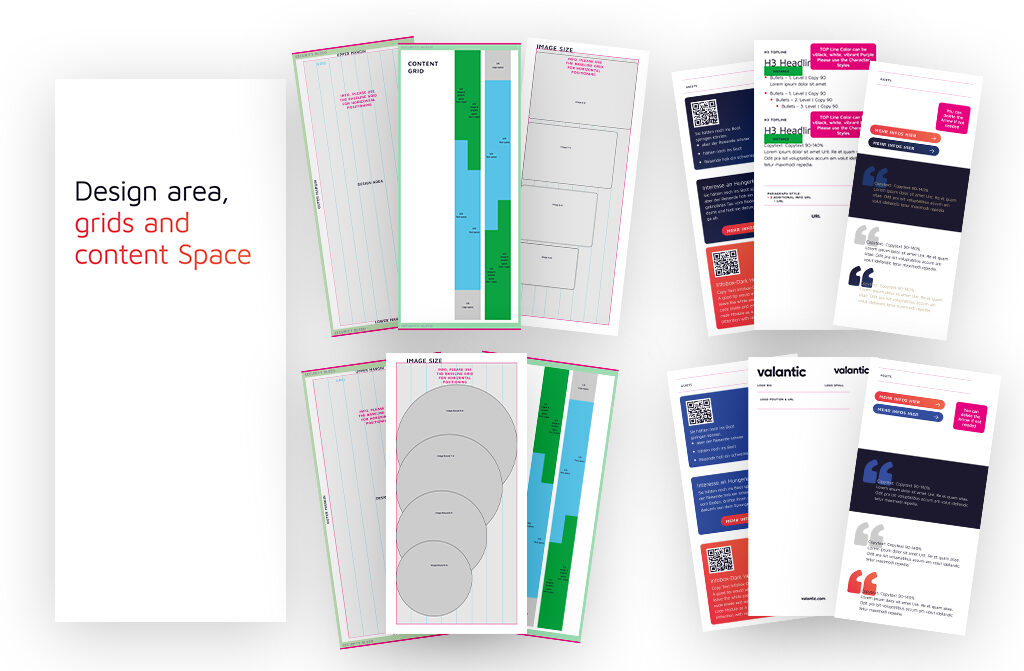
InDesign Templates including Design Rules and Pre-designed Roll-Ups