
Basic Elements
Our Brand Shape (valantic Shape) is an integral part of every visual communication. It is only used, however, at the most memorable level, for example for title pages, covers and header graphics. The valantic Shape is interpreted for the three Routes to provide optimal visual support for the brand values to be communicated by each Route.

Get an overview of the amount of text as early as possible and check how the content statement could correspond to the image motif and the brand form. This information will help you determine the size and positioning of the brand shape.
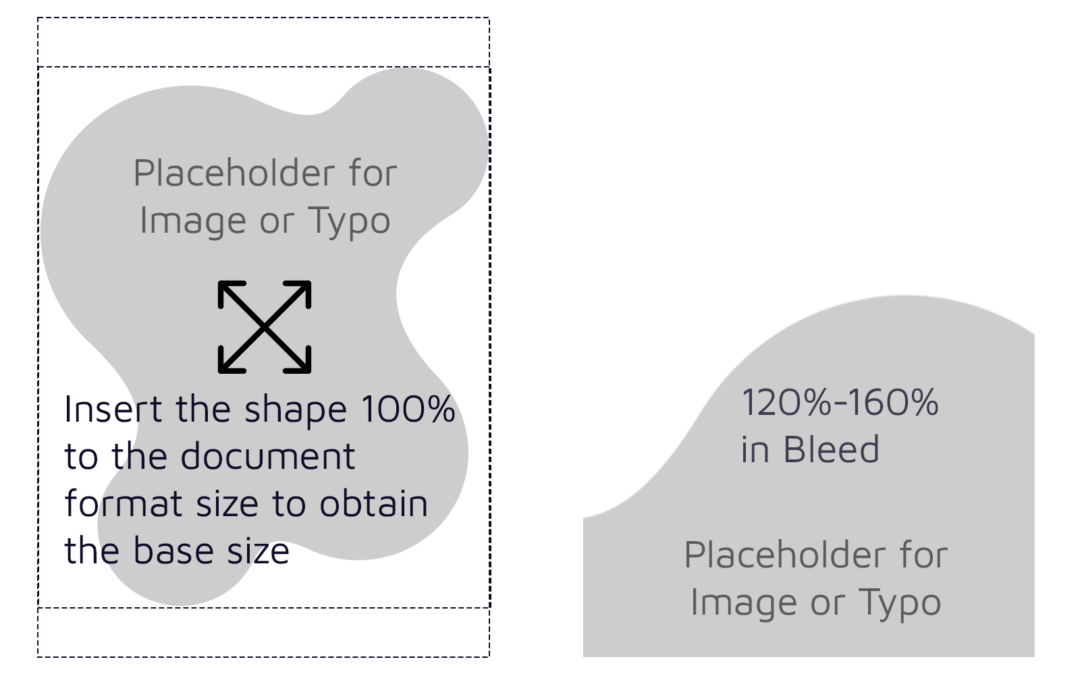
Insert the shape 100% into the final document format, to obtain the base size. This will give you the ratio to determine the size between 120% and 160%.
Minium Size: 120% of the Full page
Maxium Size: 160% of the Full page
Use shapes in the same proportion throughout the whole document.
Example: If you choose 140%, keep all shapes in the same 140% ratio.
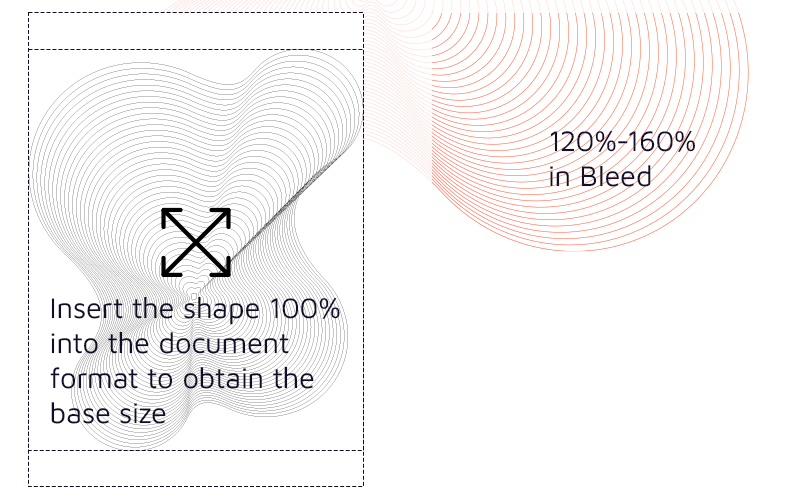
Always place in bleed and avoid white cutouts (corners/spaces).
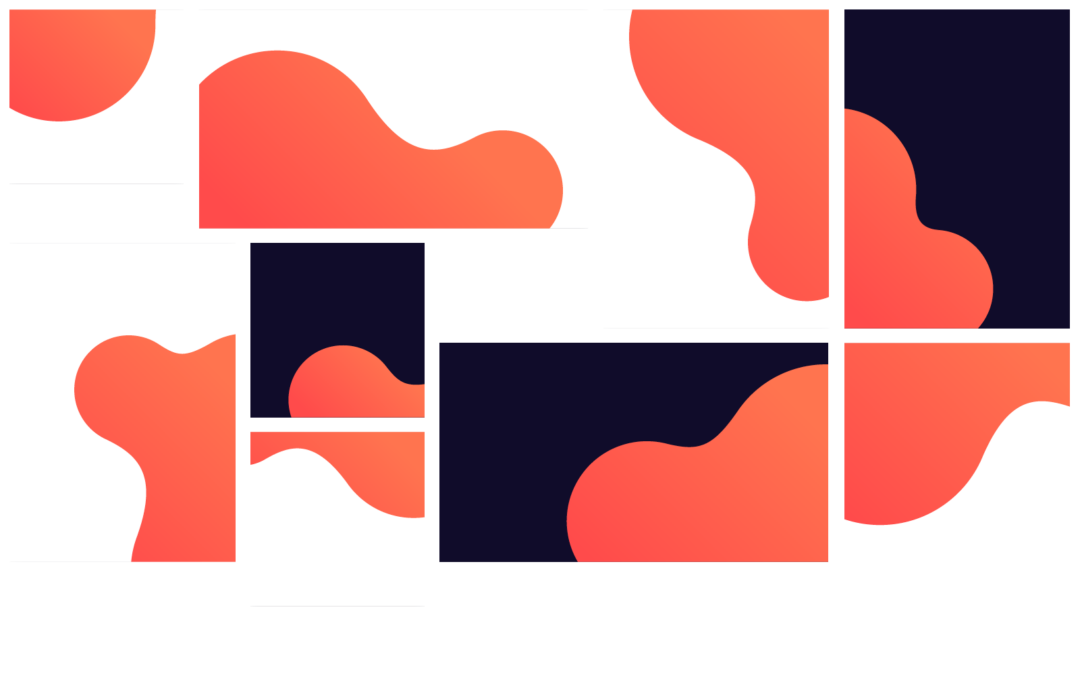
The shape takes up half (1/2) or a third (1/3) of a page.

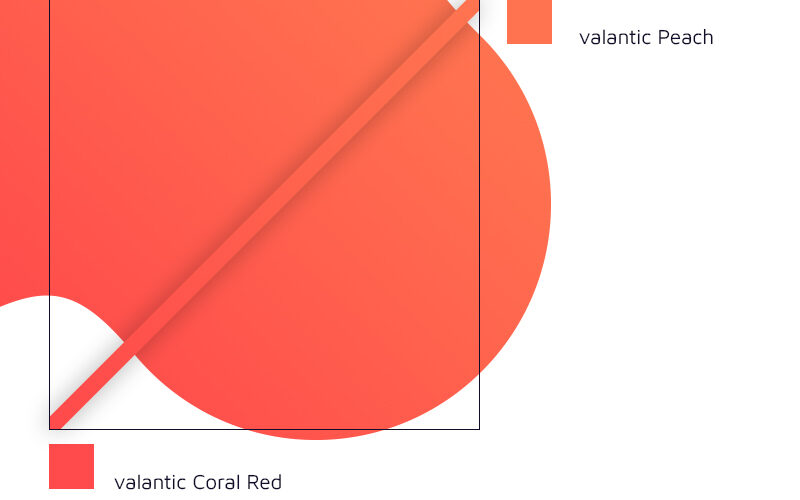
valantic Gradient in 45º of visible Area
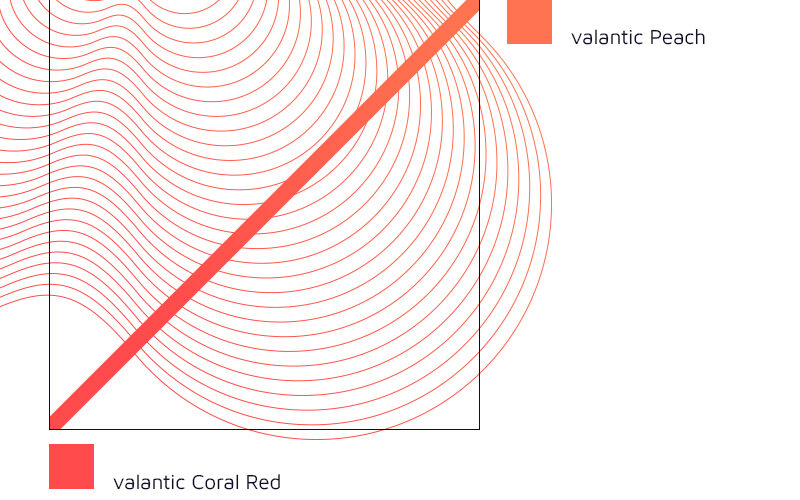
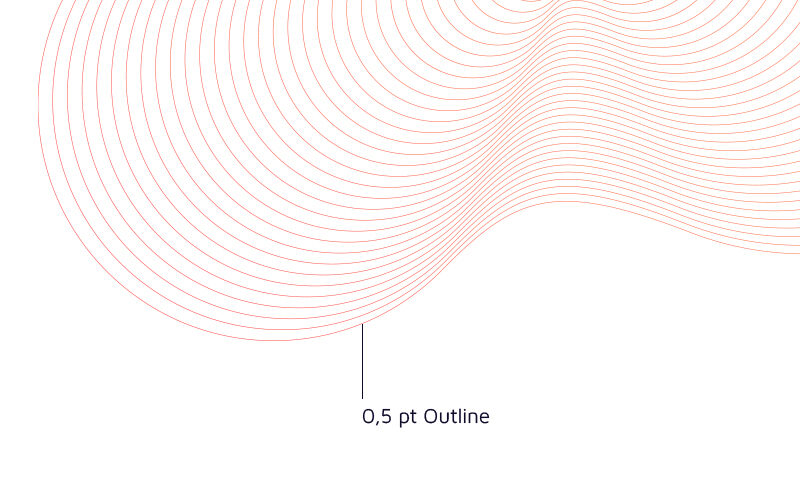
0,5 pt – A6-A3,
other format sizes: Percentage enlargement/reduction
Some examples with Shape application errors are listed here. This use is not intended.
If you have any questions about the correct and other Shape applications, please contact the marketing brand responsible person.

Wrong color
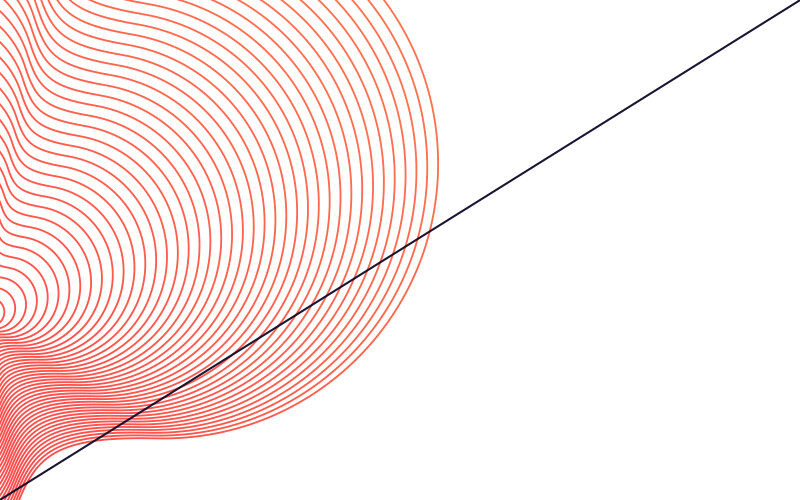
Wrong outline thickness
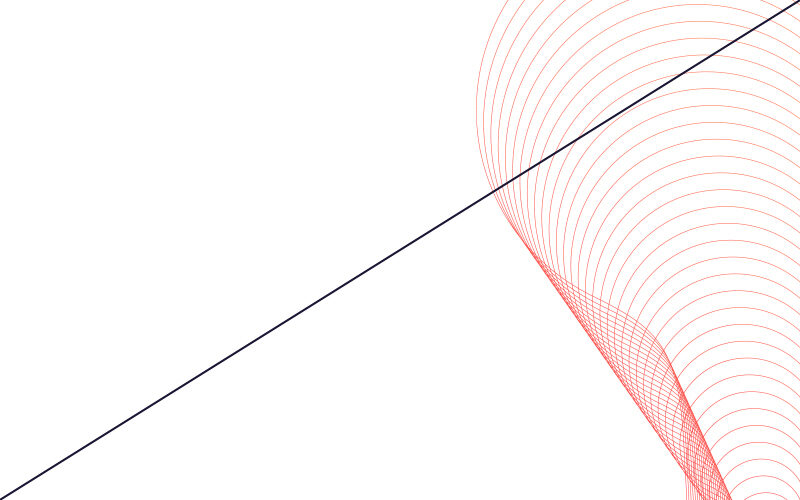
Don't show overlapping guilloche outlines
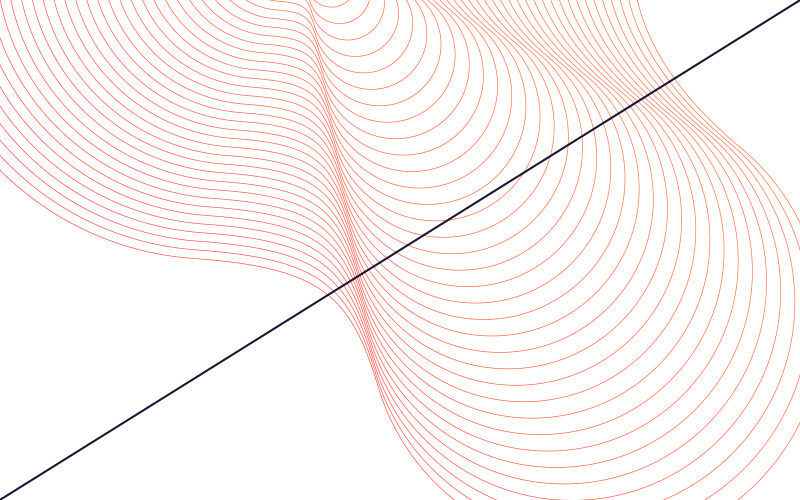
Don't create cutouts or white corners
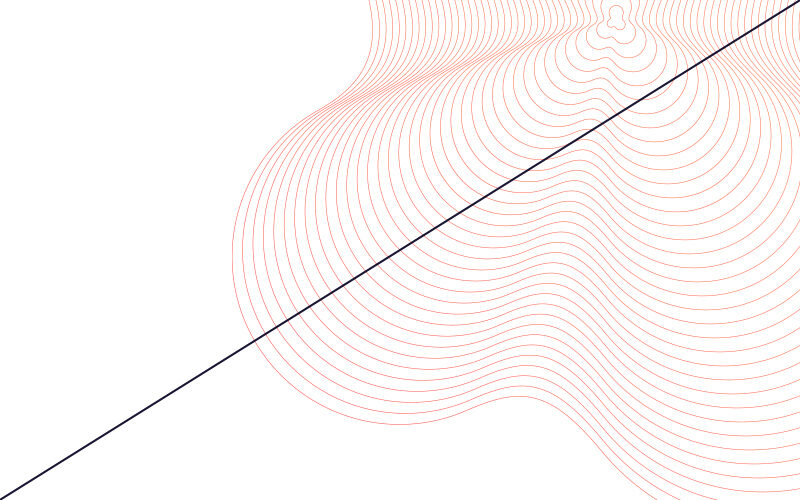
Don't show the center of the guilloche Shape
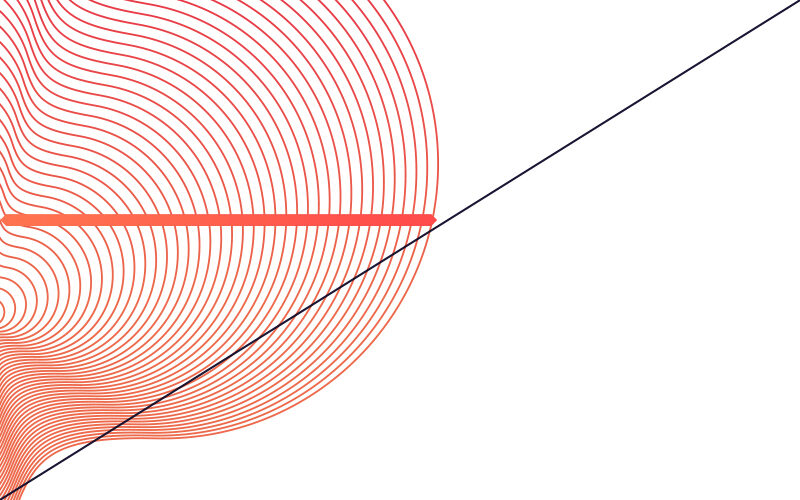
Wrong gradient angle

Get an overview of the amount of text as early as possible and check how the content statement could correspond to the image motif and the brand form. This information will help you determine the size and positioning of the brand shape.
Insert the shape 100% into the final document format, to obtain the base size. This will give you the ratio to determine the size between 120% and 160%.
Minium Size: 120% of the Full page
Maxium Size: 160% of the Full page
Use shapes in the same proportion throughout the whole document.
Example: If you choose 140%, keep all shapes in the same 140% ratio.
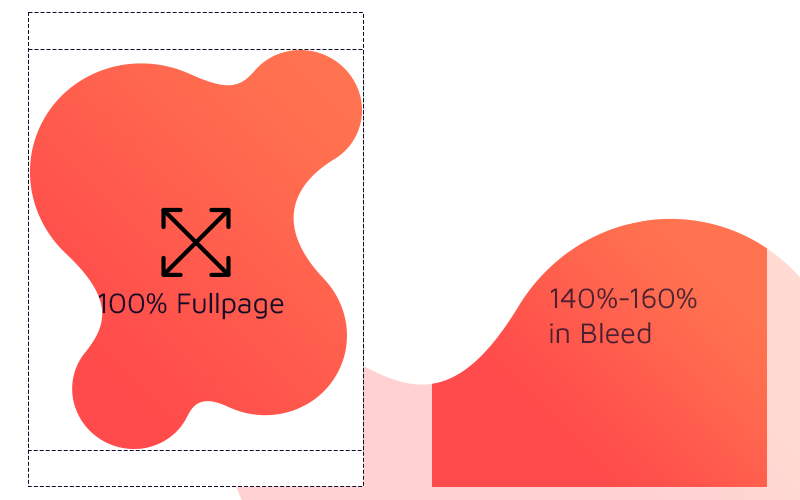
Always place in the bleed and avoid white cutouts (corners/spaces).
The shape takes up half (1/2) or a third (1/3) of a page.
valantic Gradient in 45º of visible Area
Some examples with Shape application errors are listed here. This use is not intended.
If you have any questions about the correct and other Shape applications, please contact the marketing brand responsible person.

No more than one Shape
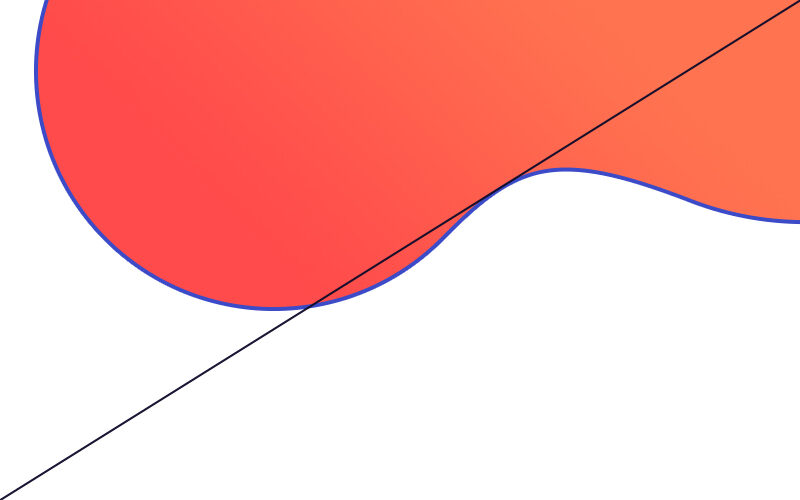
No Outline

Wrong Size

Don't create cutouts or white corners

Don't show the whole shape

Wrong Color Gradient

Get an overview of the amount of text as early as possible and check how the content statement could correspond to the image motif and the brand form. This information will help you determine the size and positioning of the brand shape.
Insert the shape 100% into the final document format, to obtain the base size. This will give you the ratio to determine the size between 120% and 160%.
Minium Size: 120% of the Full page
Maxium Size: 160% of the Full page
Use shapes in the same proportion throughout the whole document.
Example: If you choose 140%, keep all shapes in the same 140% ratio.
Always place in the bleed and avoid white cutouts (corners/spaces).
The shape takes up half (1/2) or a third (1/3) of a page.
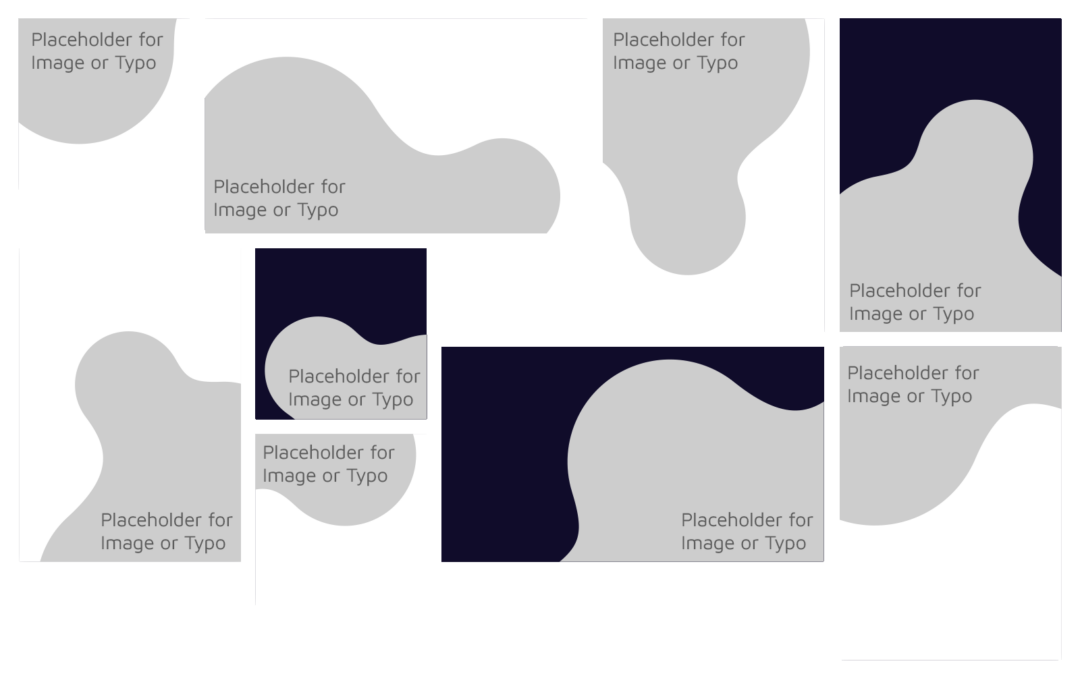
First and foremost, an image should be used in the shapes.
If this is not possible for certain reasons, it is possible to use the Route C shapes exclusively in the corporate color vibrant purple. In addition, the standardized claim text “ELEMENTS OF THE DIGITAL NOW” (in capital letters) is used, embedded in a transparency.

Some examples with Shape application errors are listed here. This use is not intended.
If you have any questions about the correct and other Shape applications, please contact the marketing brand responsible person.

Wrong Image

No more than one Shape
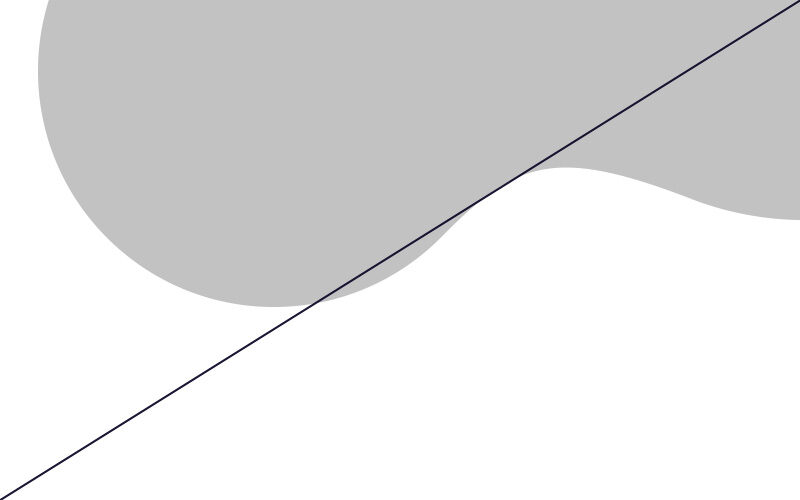
No other Color than Secondary Color for Route C (Vibrant Purple + Text)

Wrong Size

Don't create cutouts or white corners

This Shape is not good for Image Size
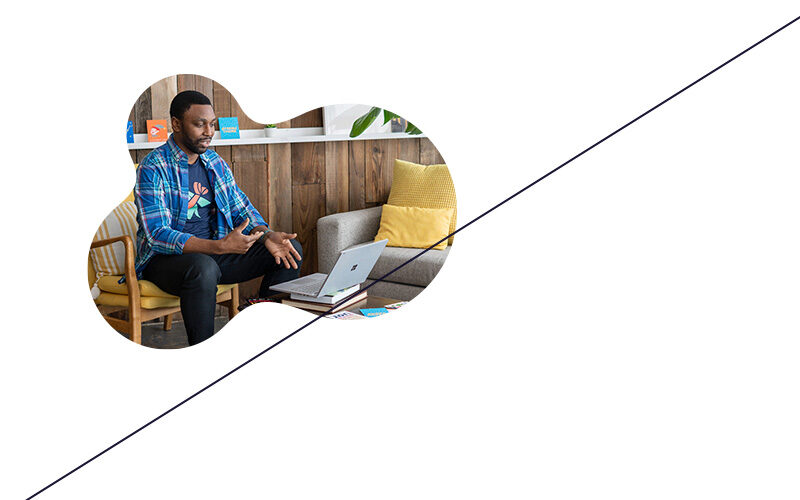
Don't show the whole shape